In today’s digital-first world, your website is not just an online brochure—it’s your most powerful sales tool. For small businesses, a well-designed website can be the difference between getting steady leads or losing potential customers to competitors.
If your website gets traffic but doesn’t generate inquiries, calls, or sales, the problem isn’t traffic—it’s conversion-focused web design.
In this guide, we’ll cover practical small business web design tips to increase conversions, helping you turn visitors into leads and customers.
Why Web Design Matters for Small Businesses
Small businesses often compete with larger brands that have bigger budgets. The good news? Smart web design can level the playing field.
A conversion-focused website helps you:
- Build trust instantly
- Communicate value clearly
- Guide visitors toward action
- Increase leads without increasing ad spend
Your website should work 24/7 as a salesperson, not just look good.
Small Business Web Design Tips to Increase Conversions
Let’s dive into proven strategies that actually improve results—not just appearance.
1. Keep Your Website Design Simple and Clean
Clutter confuses users. When visitors feel overwhelmed, they leave.
Best practices:
- Use plenty of white space
- Stick to 2–3 brand colors
- Use clear fonts with good readability
- Avoid unnecessary animations
A clean layout helps users focus on what matters most—your message and your CTA.
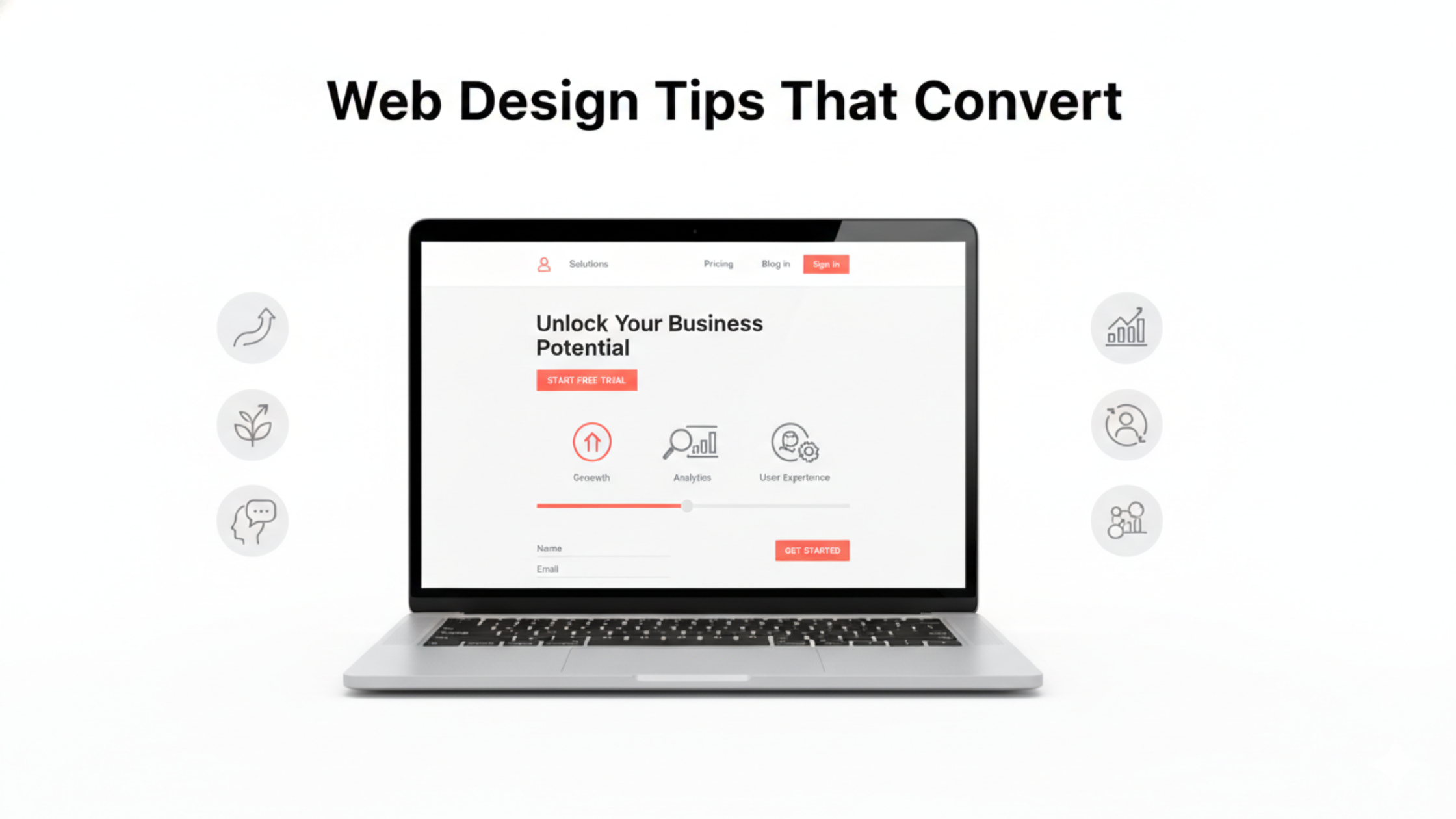
2. Make Your Value Proposition Clear Above the Fold
Visitors should immediately understand:
- What you offer
- Who it’s for
- Why they should choose you
Your headline section (above the fold) should answer these questions in seconds.
Example:
“Affordable Web Design Services for Small Businesses That Want More Leads”
Pair it with a short subheading and a clear call-to-action.
3. Use Clear and Compelling Call-to-Action (CTA) Buttons
Every page should guide users toward one main action.
Effective CTA tips:
- Use action-driven text: Get a Free Quote, Book a Free Call, Start Now
- Use a contrasting brand color for buttons
- Place CTAs strategically (top, middle, bottom)
Avoid vague CTAs like “Submit” or “Click Here.”
4. Optimize Your Website for Mobile Users
More than 70% of users browse on mobile devices, especially for local and small businesses.
Mobile-friendly design essentials:
- Responsive layout
- Large, clickable buttons
- Easy navigation
- Fast-loading pages
If your site isn’t mobile-optimized, you’re losing conversions every day.
5. Improve Website Loading Speed
Slow websites kill conversions.
According to studies, even a 1-second delay can reduce conversions significantly.
Speed optimization tips:
- Compress images
- Use lightweight themes
- Minimize plugins
- Enable caching
Fast websites build trust and keep users engaged longer.
6. Use Trust Signals to Build Credibility
Small businesses must establish trust quickly.
Add trust elements like:
- Client testimonials
- Google reviews
- Certifications & badges
- Real photos of your team
- Case studies or success stories
Trust reduces hesitation and increases conversion rates.
7. Design Simple and High-Converting Forms
Forms are often the final step before conversion—don’t ruin it.
Form optimization tips:
- Ask only essential fields
- Use clear labels
- Add a benefit-driven form headline
- Avoid long, complex forms
Shorter forms = higher conversions.
8. Use Visual Hierarchy to Guide User Attention
Visual hierarchy helps users know where to look first.
You can create hierarchy using:
- Font size and weight
- Color contrast
- Button placement
- Section spacing
Your most important content (headline, CTA) should always stand out.
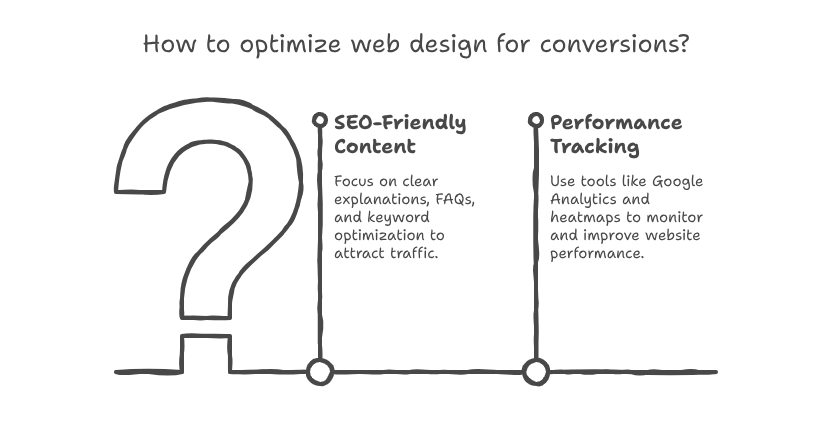
9. Add SEO-Friendly Content That Solves Problems
Good web design works best when paired with helpful, SEO-optimized content.
Focus on:
- Clear service explanations
- FAQs addressing customer concerns
- Keyword-optimized headings
- Local SEO elements (for local businesses)
SEO-friendly content brings traffic, while good design converts it.
- Track Performance and Continuously Improve
Conversion optimization is not a one-time task.
Use tools like:
Google Analytics
Google Search Console
Heatmaps (Hotjar, Clarity)
Track:
Bounce rate
CTA clicks
Form submissions
Then improve weak areas based on real data.
Common Web Design Mistakes Small Businesses Should Avoid
- Overloading pages with text
- Using stock images everywhere
- Poor color contrast
- Confusing navigation
- No clear CTA
Avoiding these mistakes alone can significantly improve conversions.
Final Thoughts: Design for Conversions, Not Just Looks
A beautiful website is great—but a high-converting website is better.
By applying these small business web design tips to increase conversions, you can:
- Generate more leads
- Improve ROI from ads
- Build stronger brand trust
- Grow your business online